

First Steps
When you join the server for the first time, you will arrive in our Spawn world. You will receive a starter kit, and your account will begin with $5,000.
A ⚐ symbol will appear next to your name in the TAB list. This shows other players that you are not currently a member of any land, which may encourage them to offer you a place in their town or nation. You are under no obligation to accept, of course, you can always set out on your own and begin your own adventure.
Travelling to Europe
At Spawn, you will find the Traveller, who can teleport you to a random location somewhere in Europe. Before travelling, you must choose whether you want your destination to be in the northern or southern part of the continent.
Choose carefully. The region you select the first time will be permanently tied to your random teleport, meaning that all future random teleports will only take you to that part of the map.
Each random teleport costs $100.
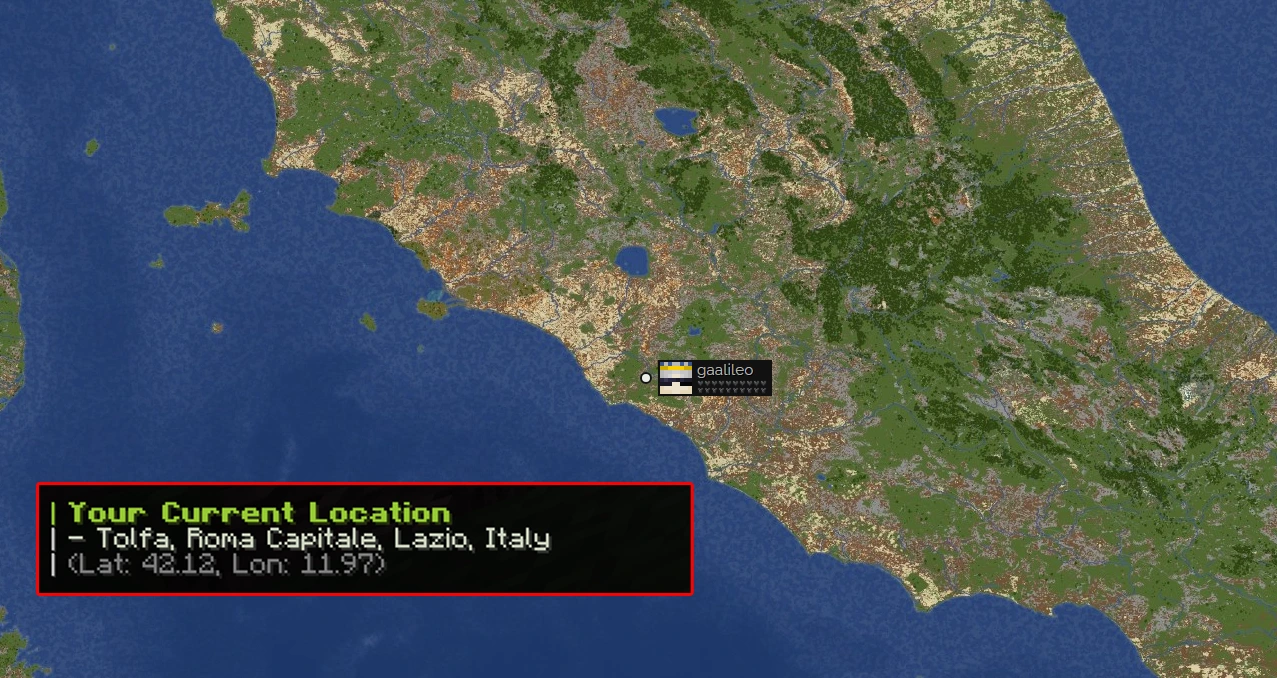
Once you have been teleported, you can open the live map using /map to check your position. You can also use /location, which displays the exact real-world location that corresponds to your in-game position. This can be especially useful when choosing where to establish a future town or nation.
Newbie Protection
During your first 6 hours of playtime, you will have newbie protection. While it is active, you cannot take part in combat with other players, but you will have access to the /tpa command. Once your newbie protection expires, you will lose access to this command and the normal PvP rules of the server will apply to you.
We recommend using this time to explore the world, learn the server’s systems, and find a safe place to begin.
Profile and Useful Shortcut
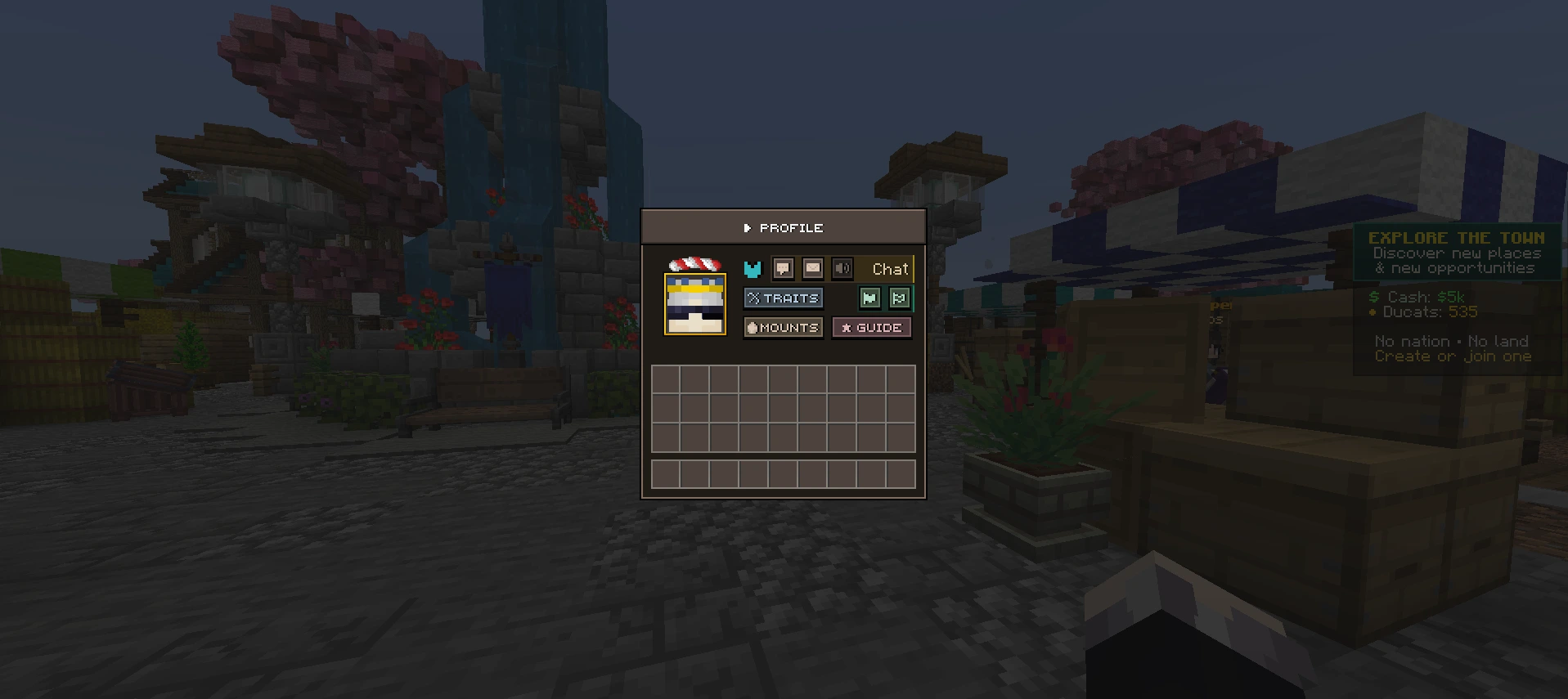
The sneak + swap hand shortcut, which is SHIFT + F by default, performs a different action depending on where you are:
- At Spawn, it opens your Profile
- In the Atlas world, it opens the Mounts menu
You can also open your profile using /profile. From there, you can access and manage several important features, including:
- your title;
- the rank menu;
- chat and private message settings;
- information about your town and nation;
- the Mounts menu;
- this guide;
- Traits menu.
Traits menu is one of the most important sections of your profile, as this is where you manage your skills, talents, and race.
Next Step
Once you are familiar with the basics, the next step is learning how the server economy works, how to earn money and where you can spend it.