

Join the Server
To join Warship, you need to have Minecraft Java Edition 1.21.11 or a newer version installed.
1. Launch Minecraft
Start Minecraft Java Edition 1.21.11 or a newer version using your launcher.
2. Open the server list
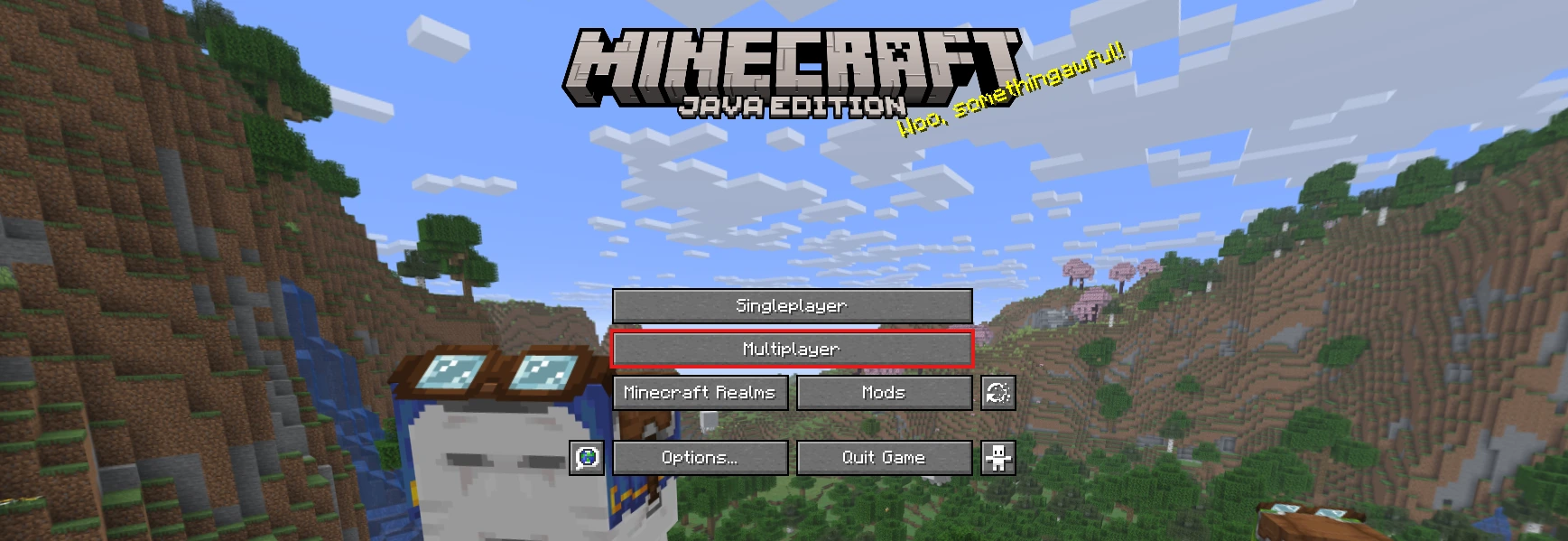
From the main menu, click Multiplayer.
3. Add Warship
Once the server list opens, click Add Server.
4. Enter the server address
In the Server Address field, enter:
warship.gg
4.1. Enable the resource pack
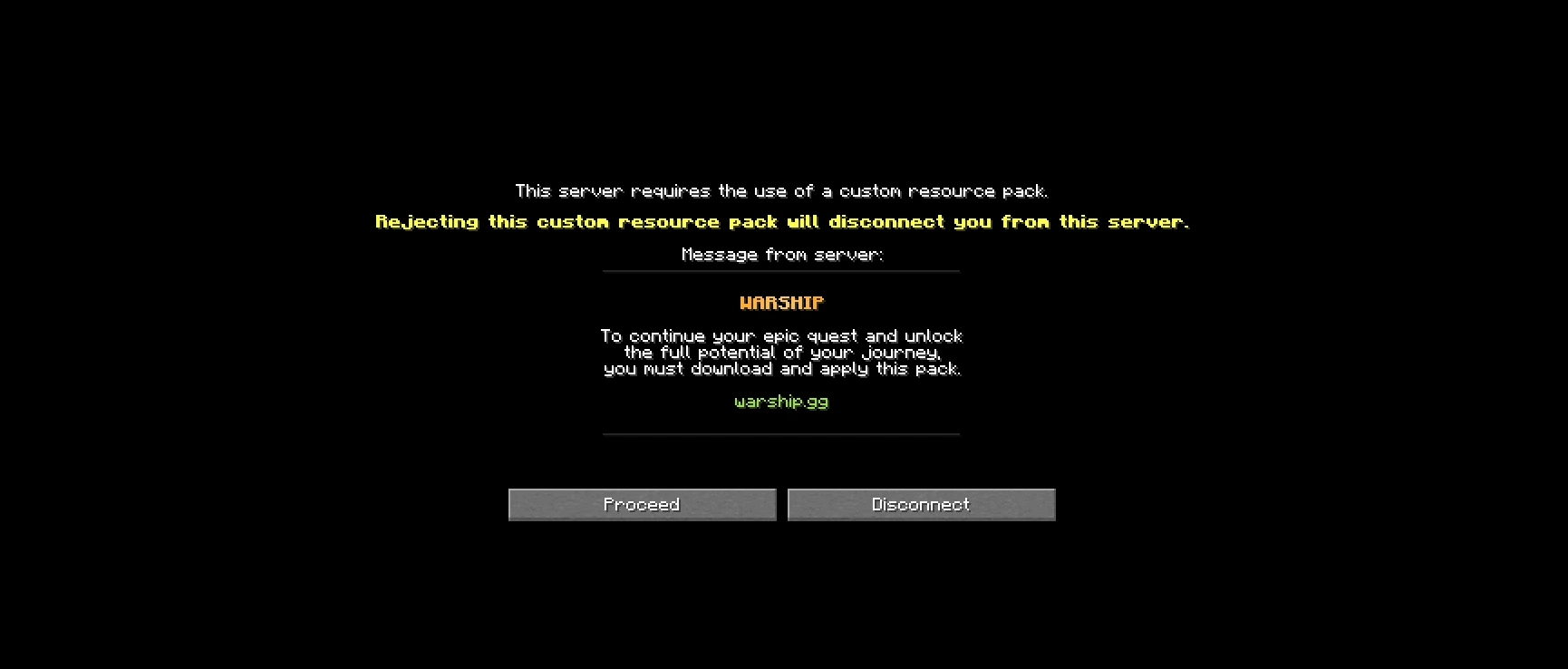
Set Server Resource Packs to Enabled or Prompt. This is required for the server resource pack to load correctly.

5. Save and join
Click Done, select Warship from the server list, and join the server.
First-Time Login
After successfully joining the server, players who are connecting for the first time without a premium Minecraft account must register using:
/register password password
Replace both instances of password with the password you want to use. After registering, you will need to log in whenever your login session expires by using:
/login password
Make sure to remember the password you used during registration, as you will need it for future logins.
Good luck, and see you in game!
This can happen for several reasons. First, make sure that you are using the correct Minecraft version. Some mods and launchers, including Lunar Client, may interfere with our resource pack and prevent you from joining the server correctly. When playing on Atlas, we recommend using only trusted and compatible mods, such as a minimap, OptiFine, or other lightweight quality-of-life mods.